Hit «Install»and GTA V looks different
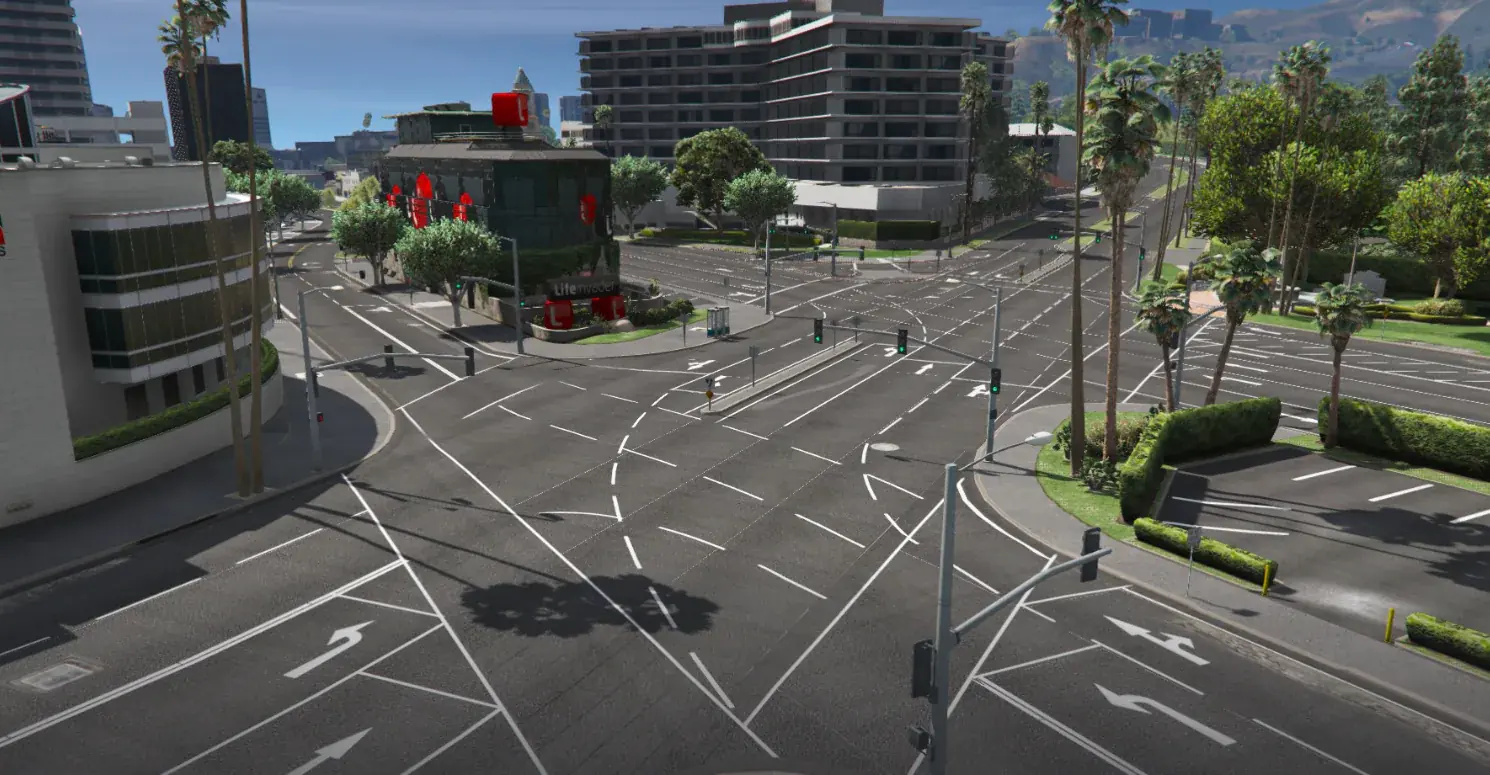
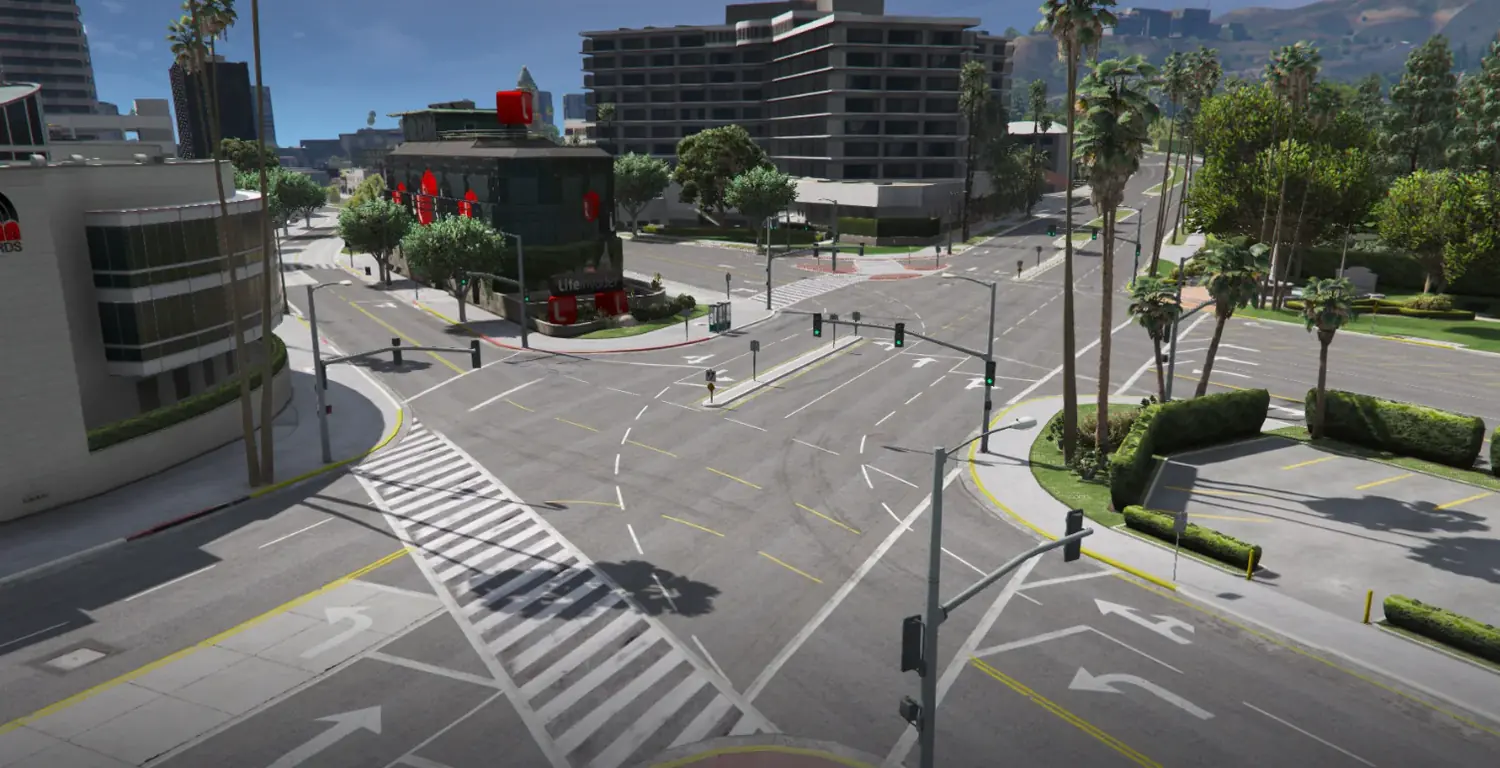
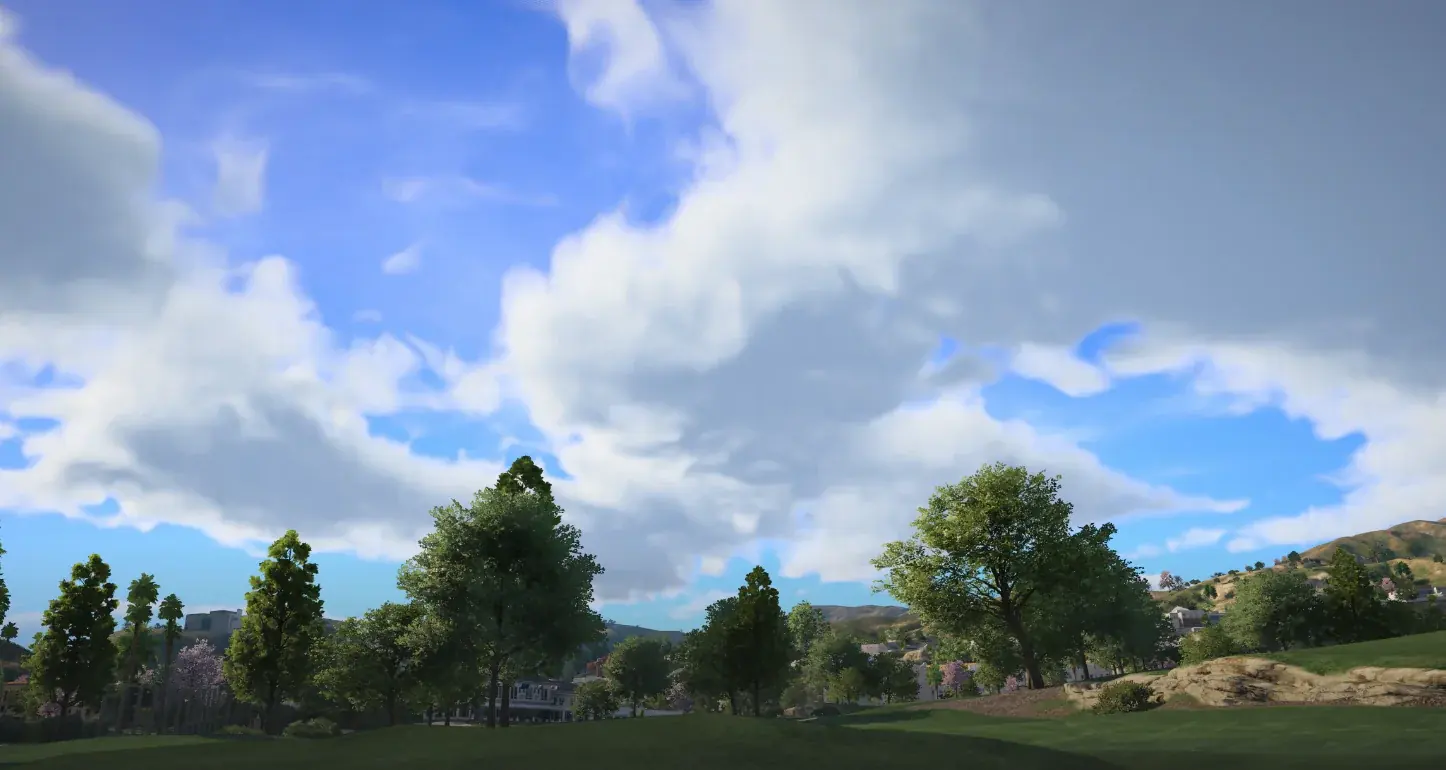
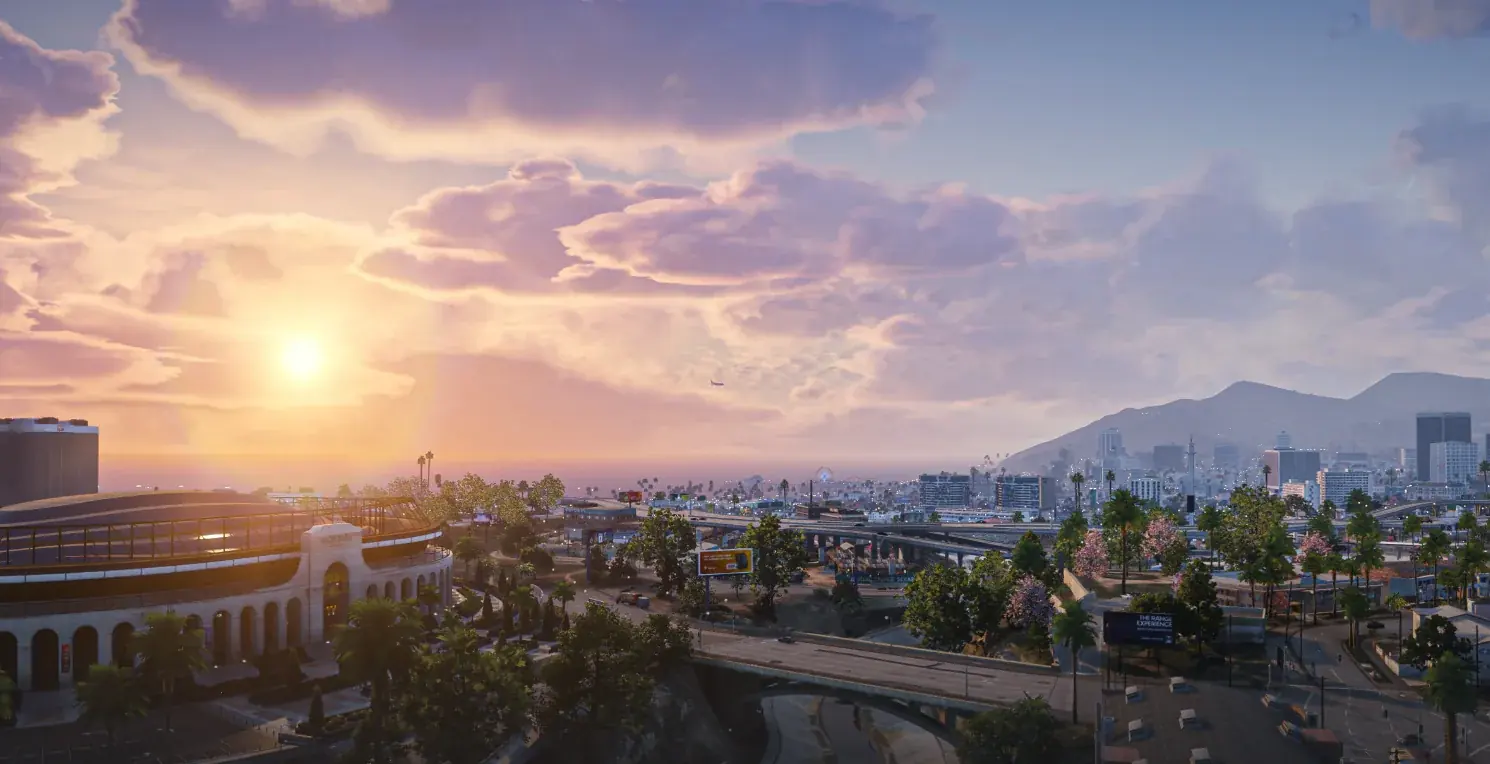
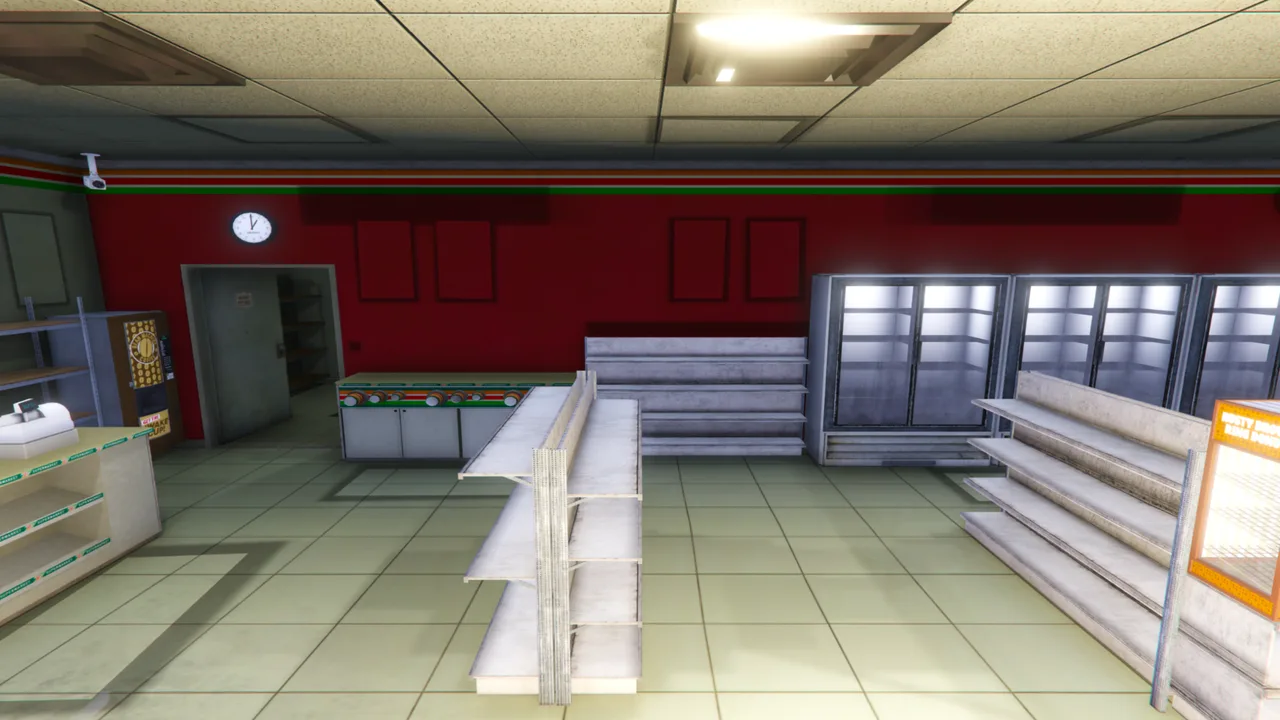
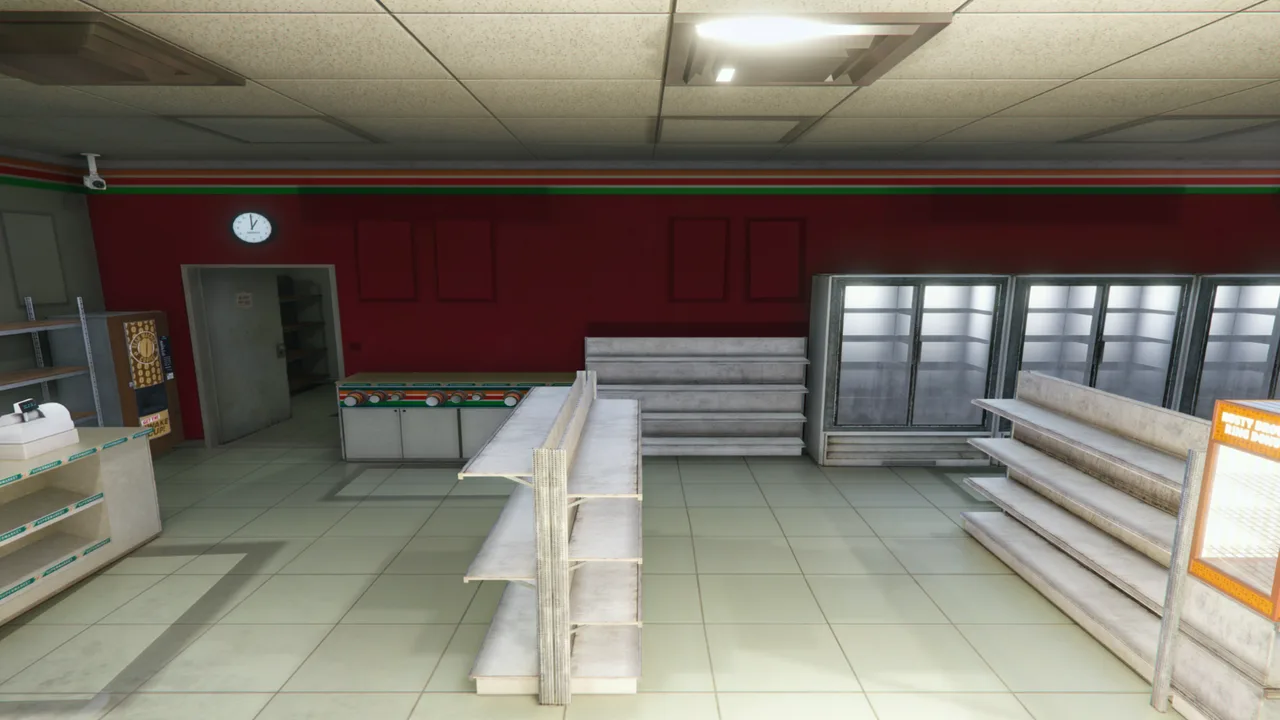
Lighting, roads, sky, tyres, weapons. Install a mod from the catalog and see it in the game right away. Didn’t like it? Roll it back in one click.
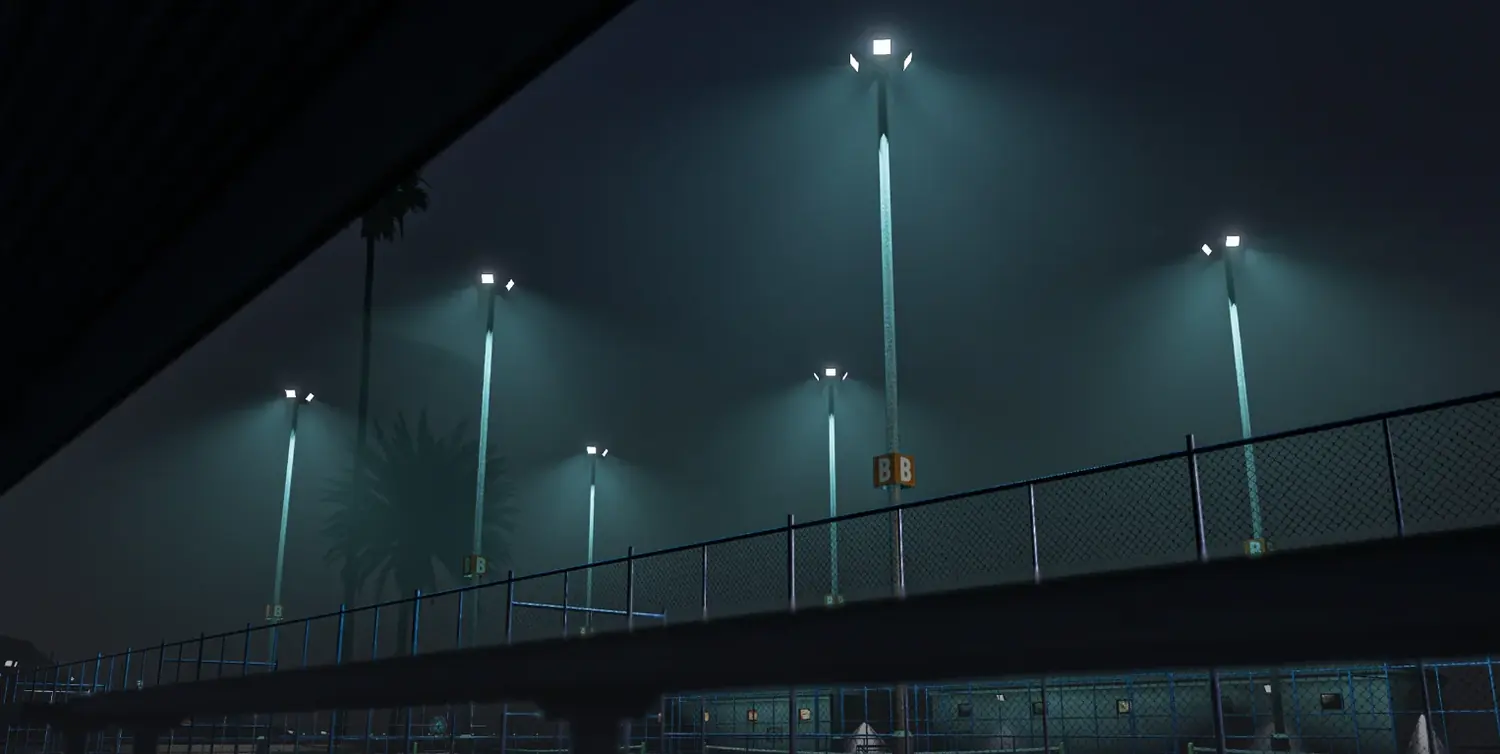
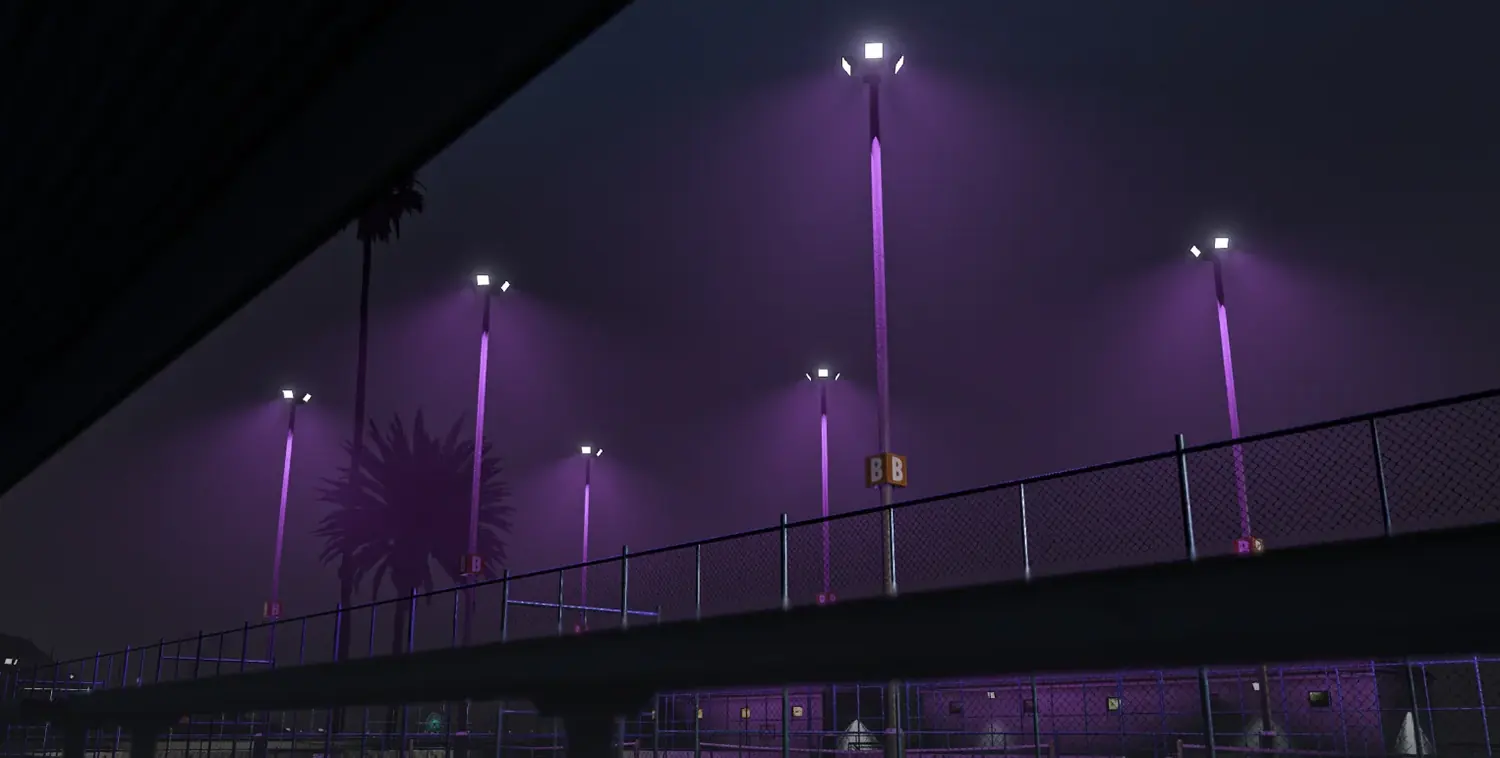
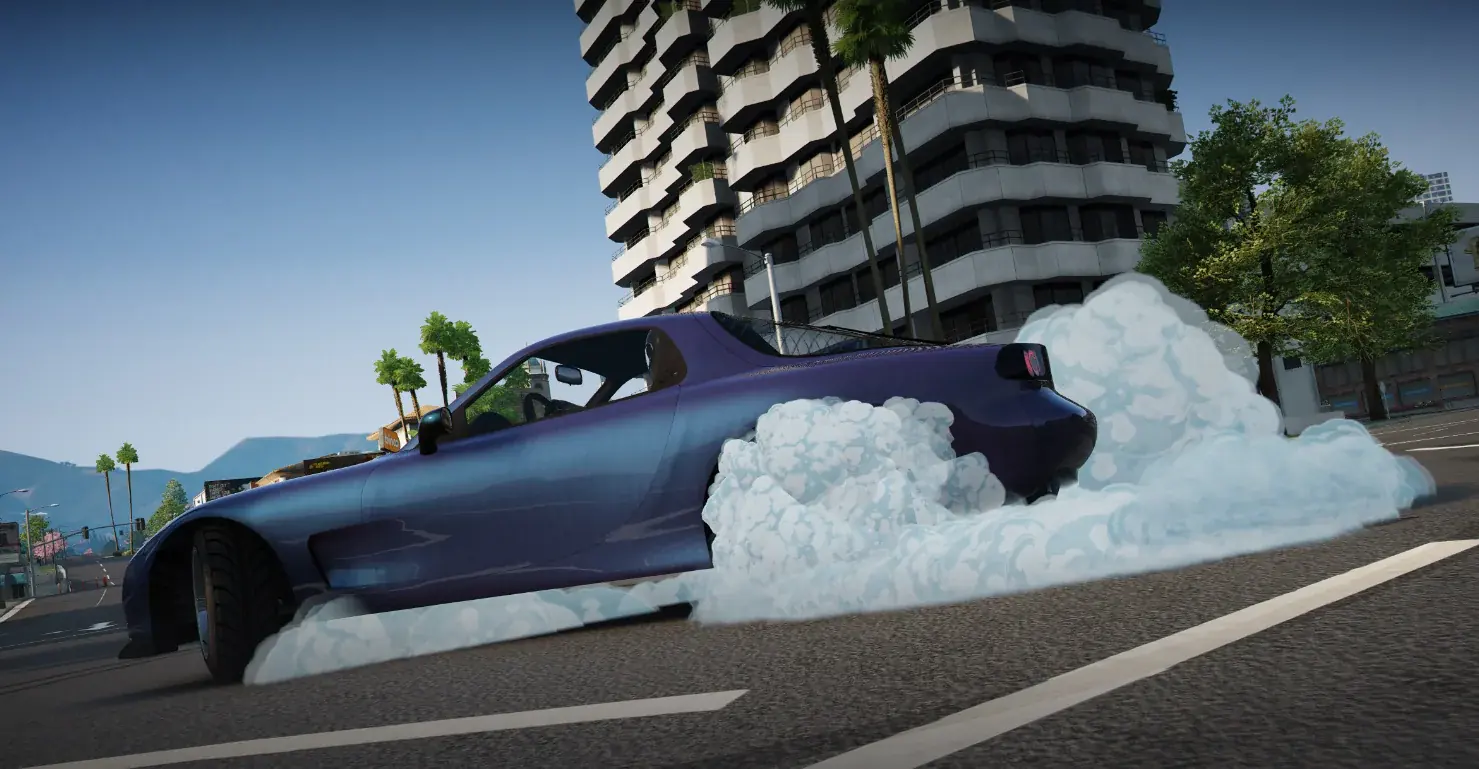
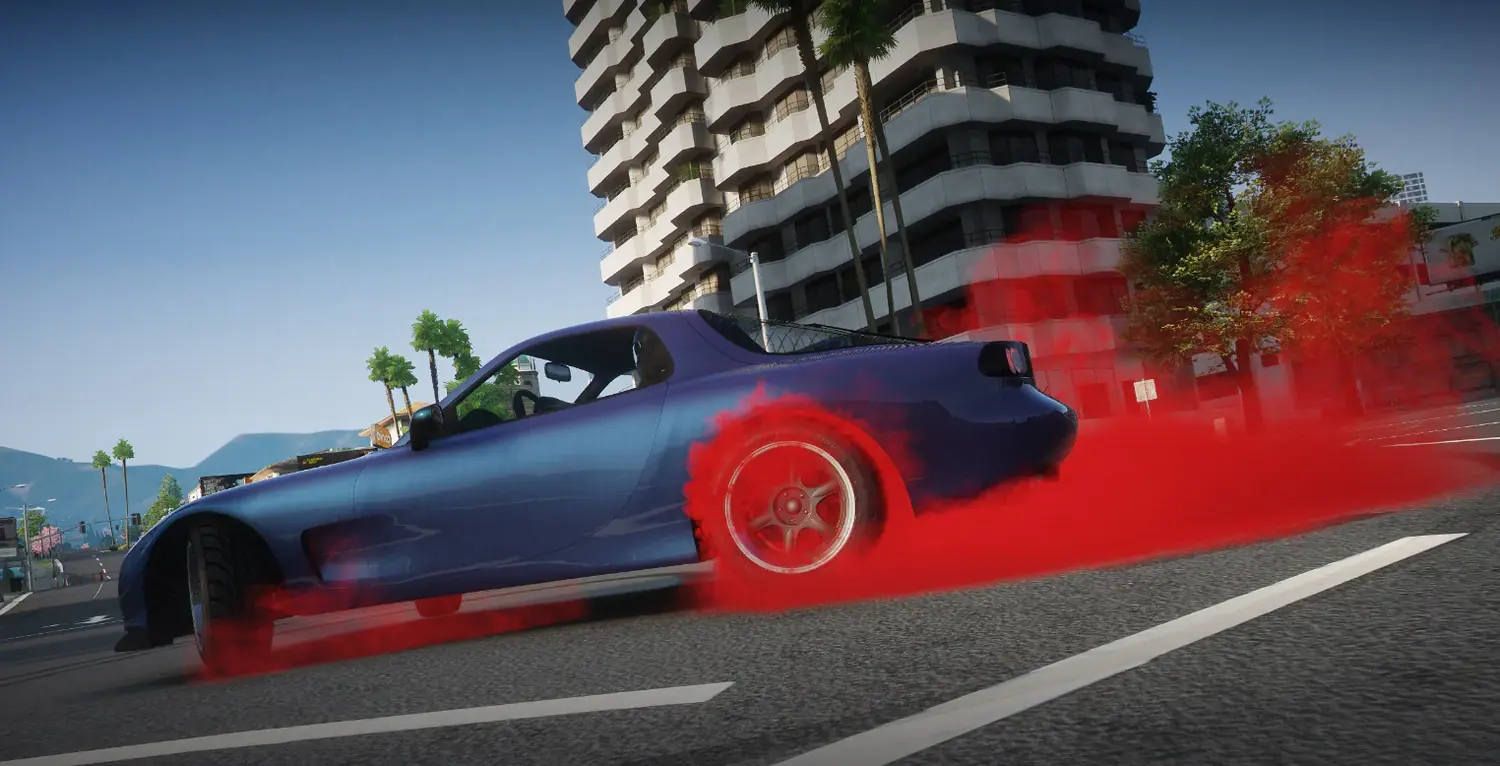
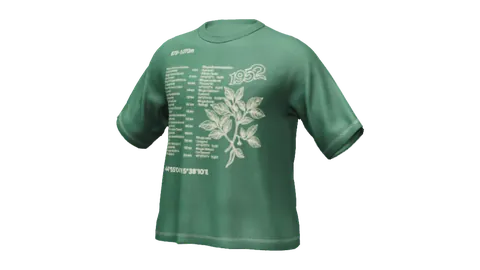
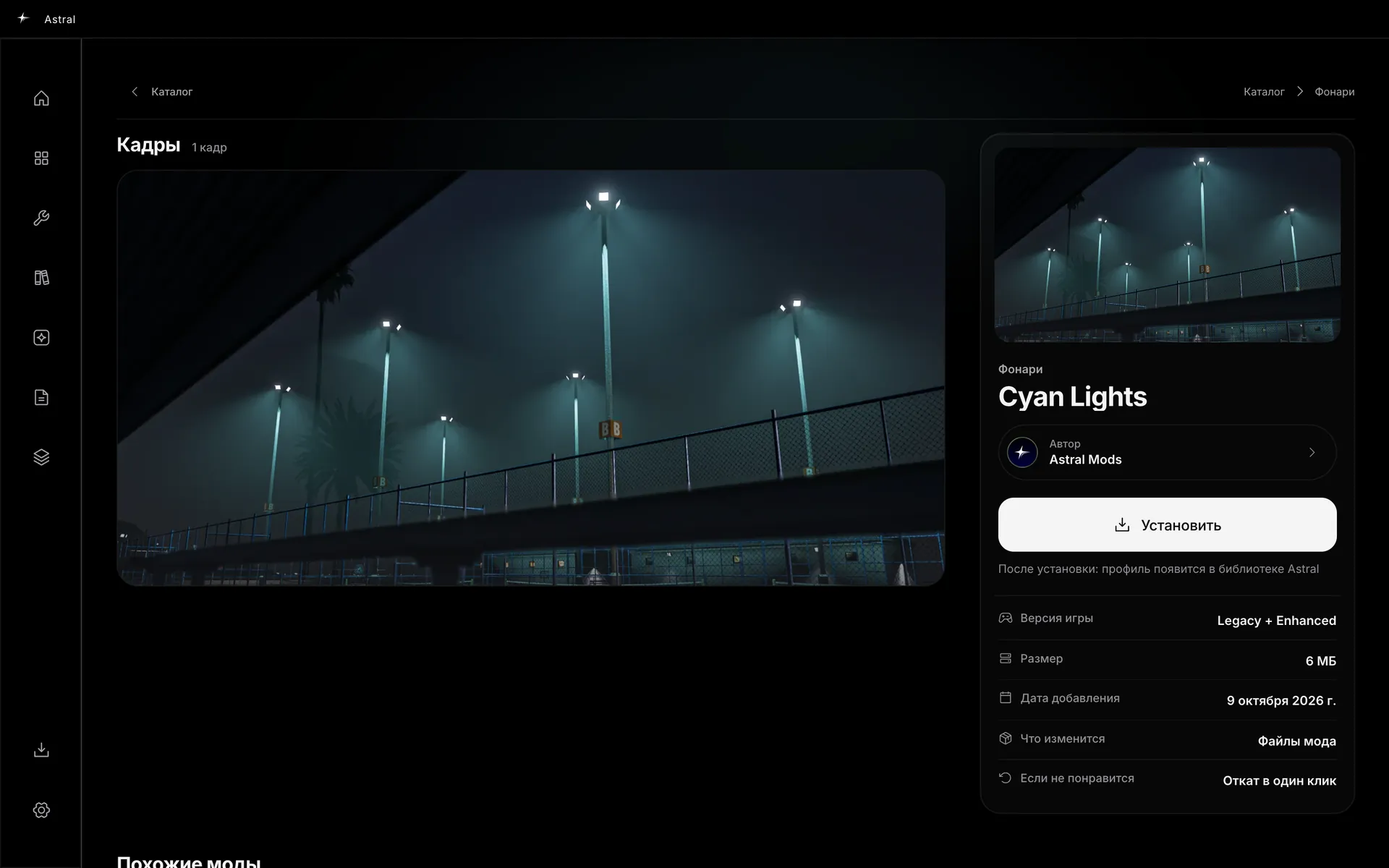
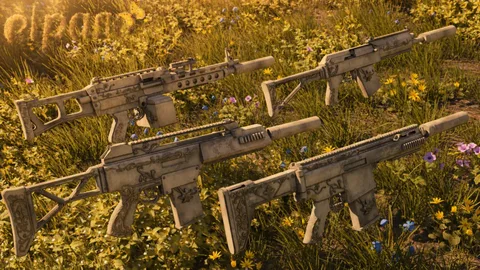
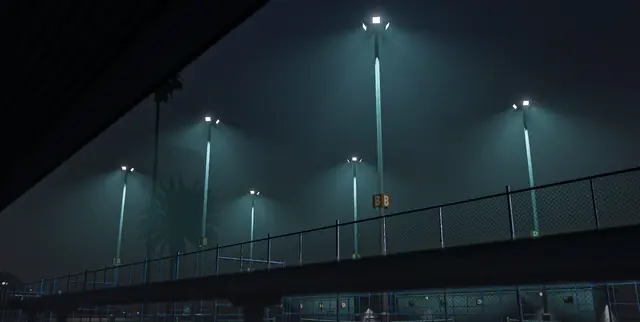
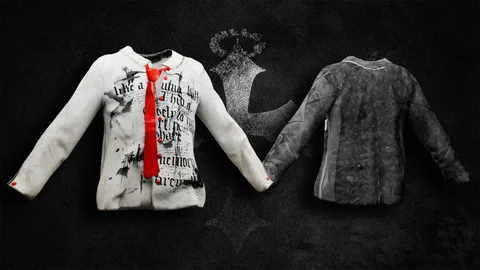
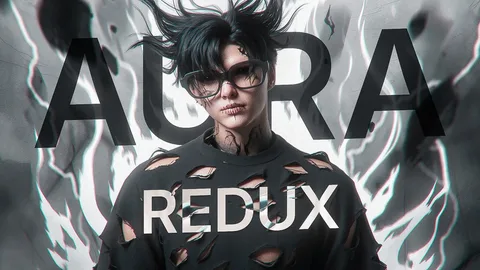
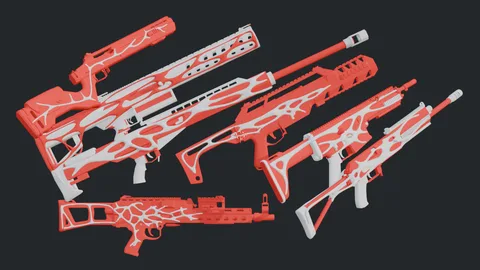
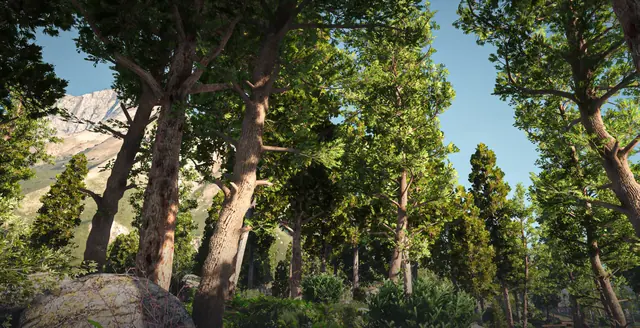
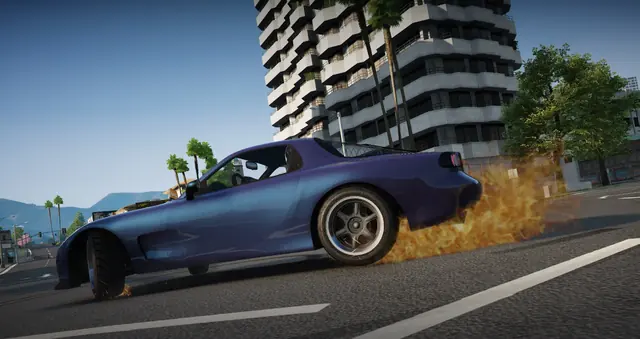
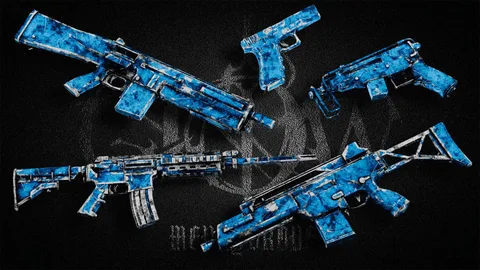
Pick one, press “Install”, go play. Not for you? One press rolls it back. Every mod has its own cover: a shot of the model itself or a frame from the game.
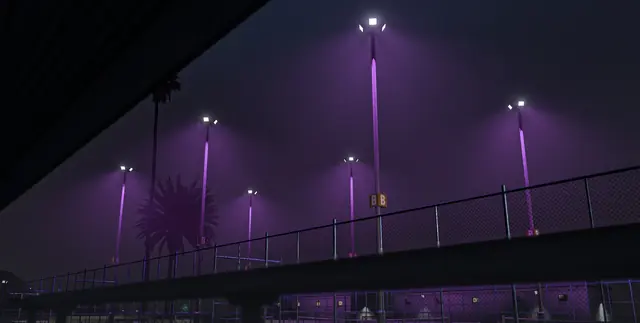 Violet Lights · Lamps
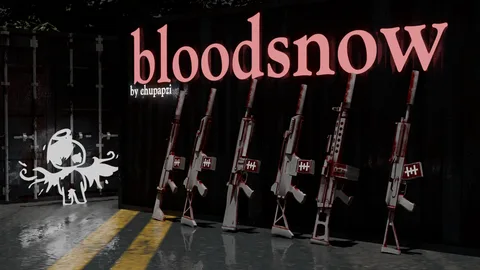
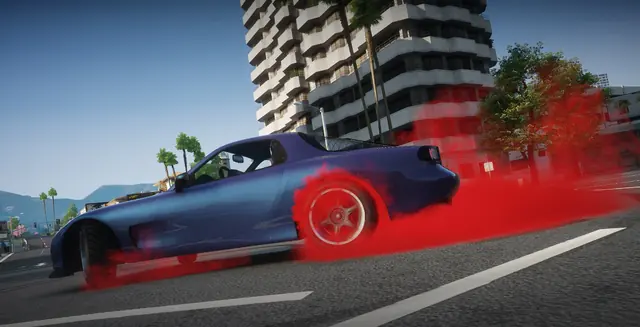
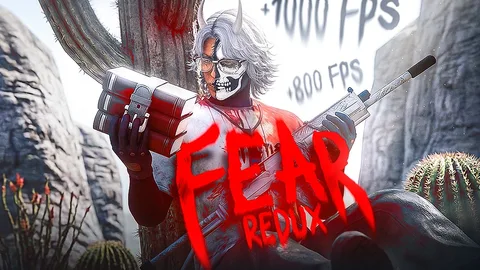
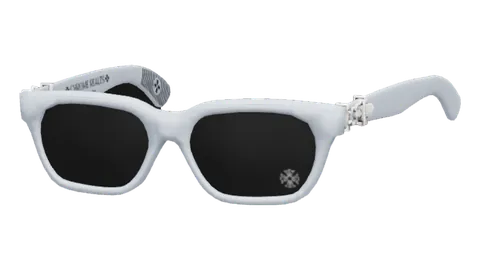
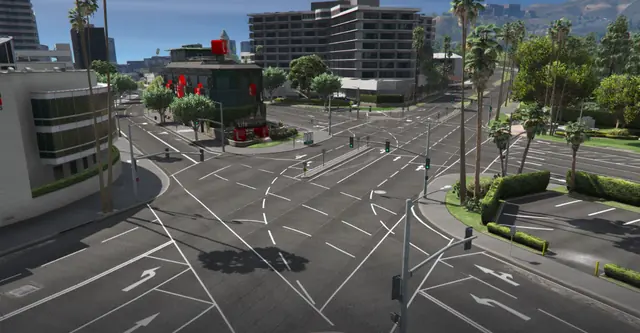
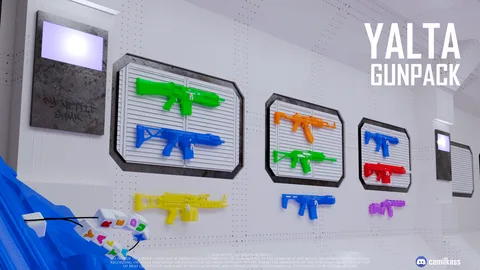
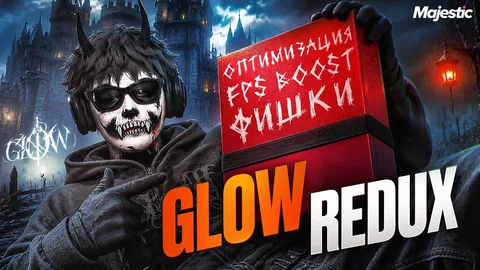
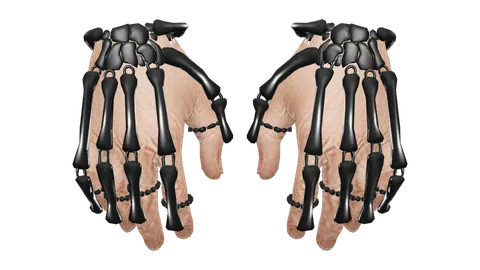
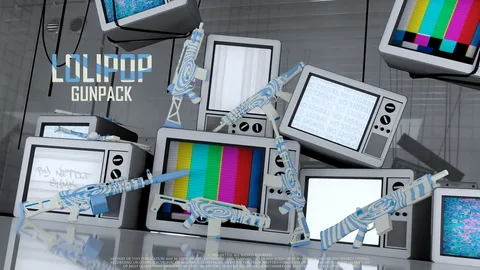
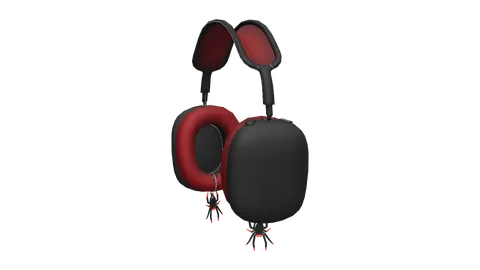
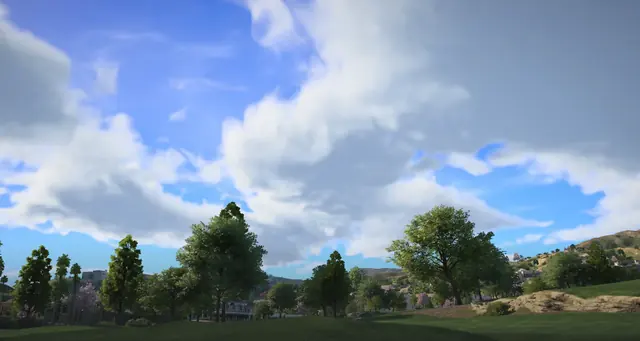
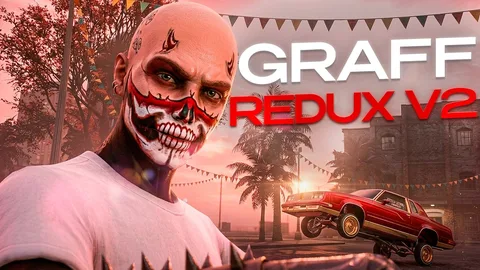
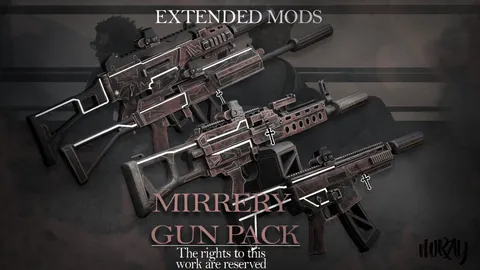
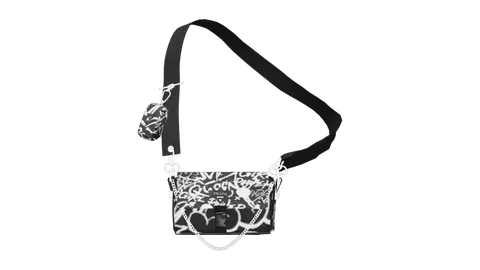
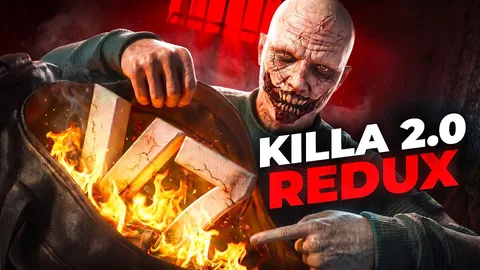
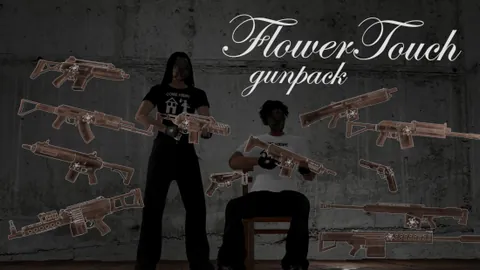
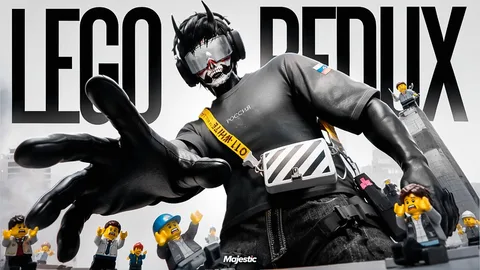
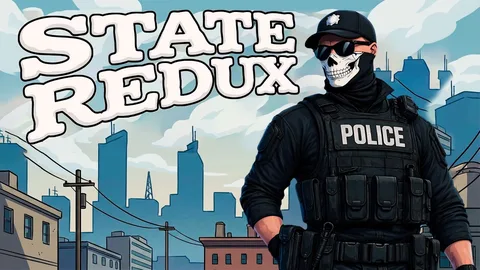
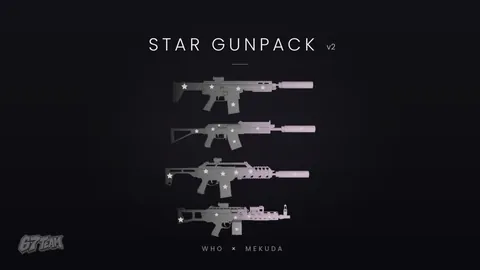
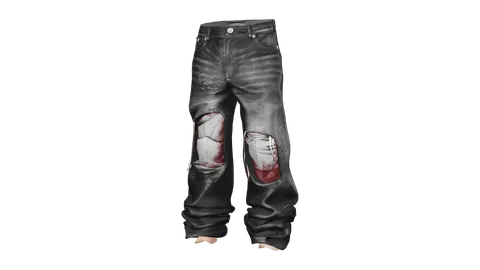
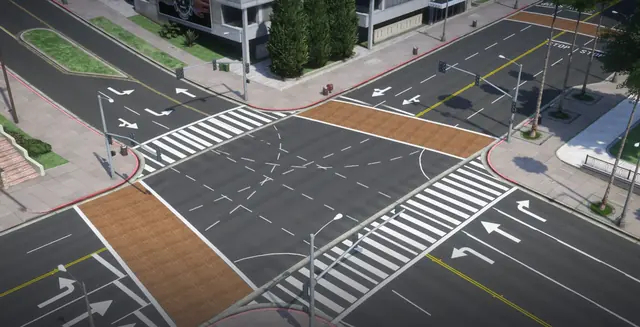
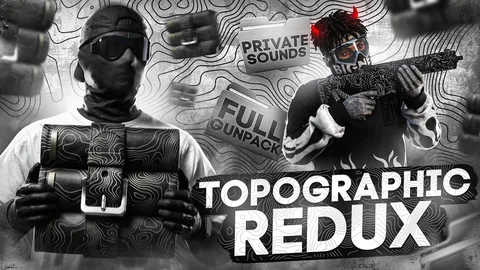
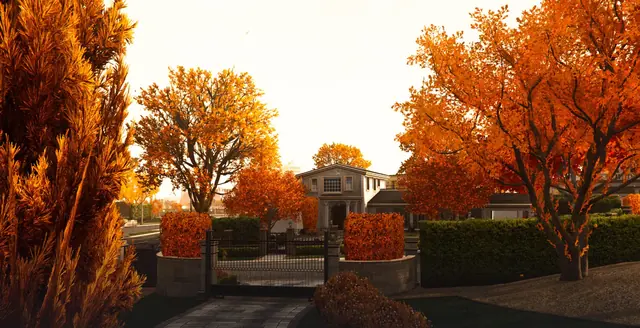
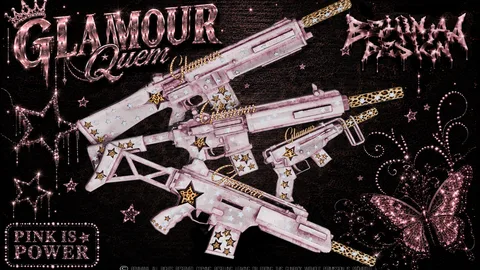
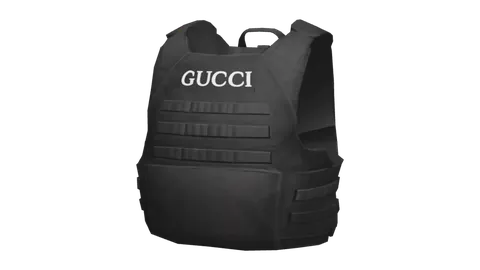
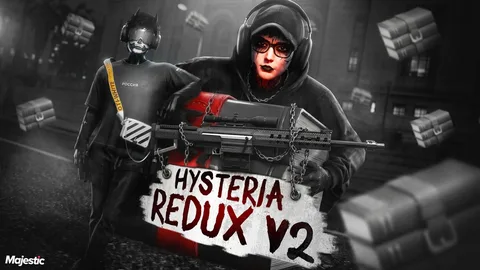
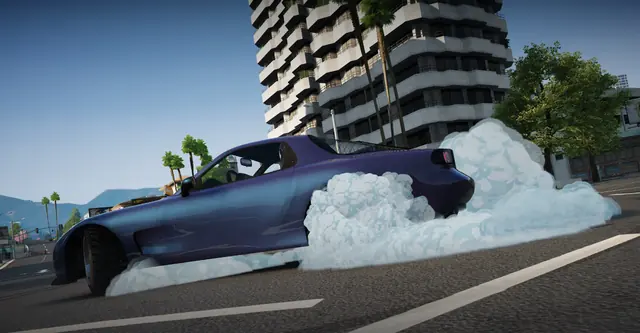
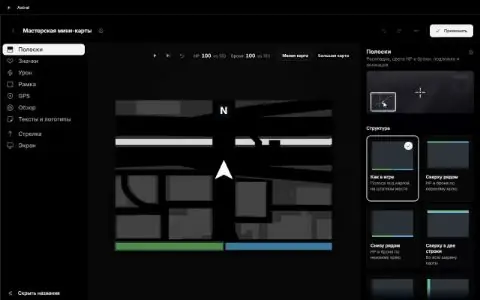
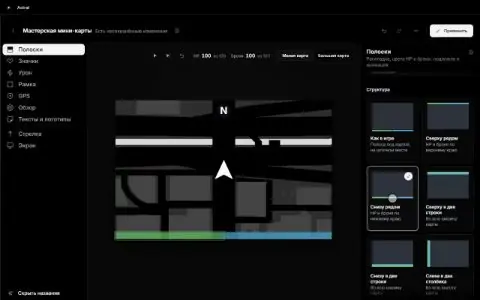
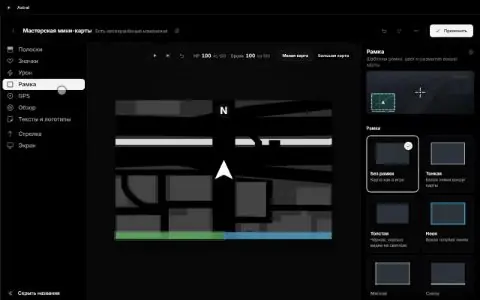
The Astral workshop has more than thirty editors. Change everything you see and hear in the game, right in the app, with no manual file copying.
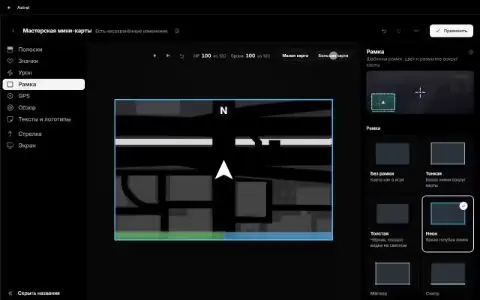
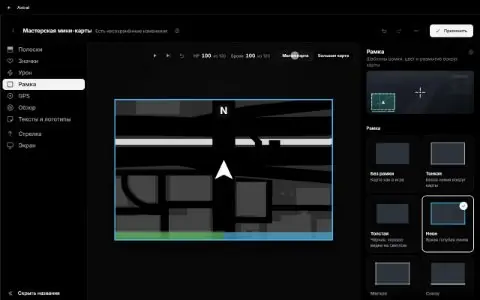
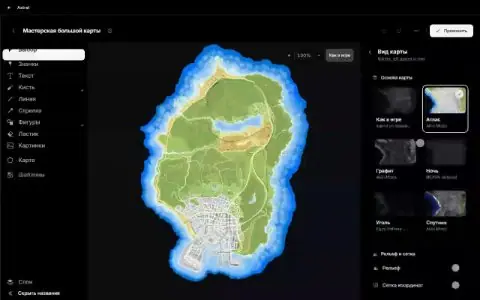
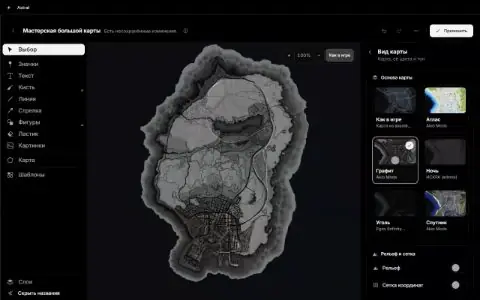
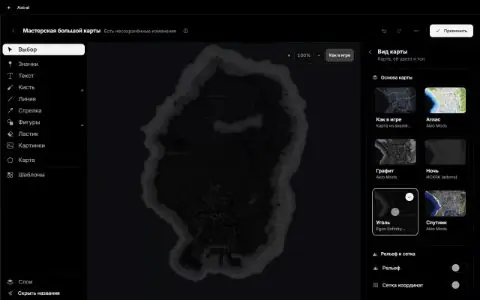
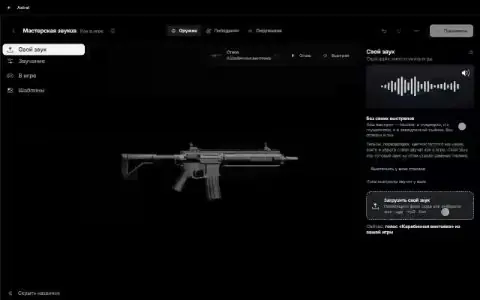
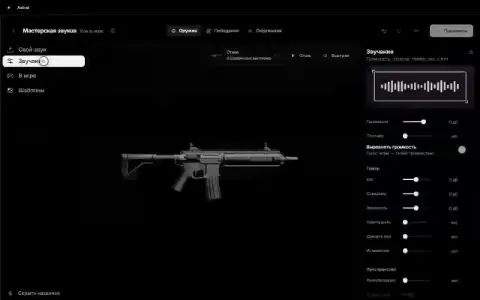
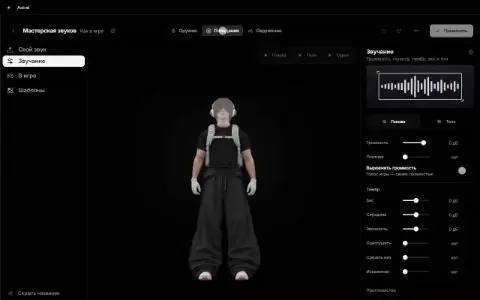
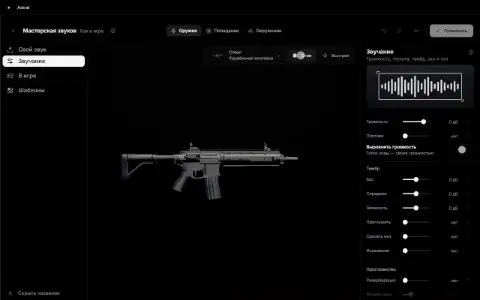
Click the timeline or a scene in the list to jump the video there.
The other editors
work the same way
Change it, see the result right away, apply it. Not a fit? One press rolls it back.
in one app
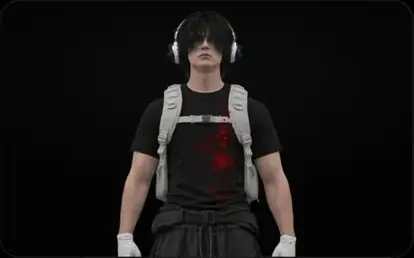
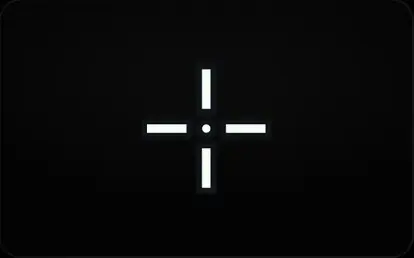
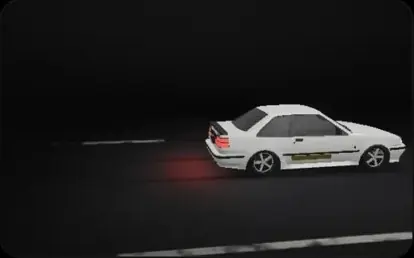

The previews are real images from the Astral app window, “Workshop” tab.
It finds the game in Steam, Epic and Rockstar, unpacks archives, edits configs, remembers what was installed where, and can put everything back the way it was.
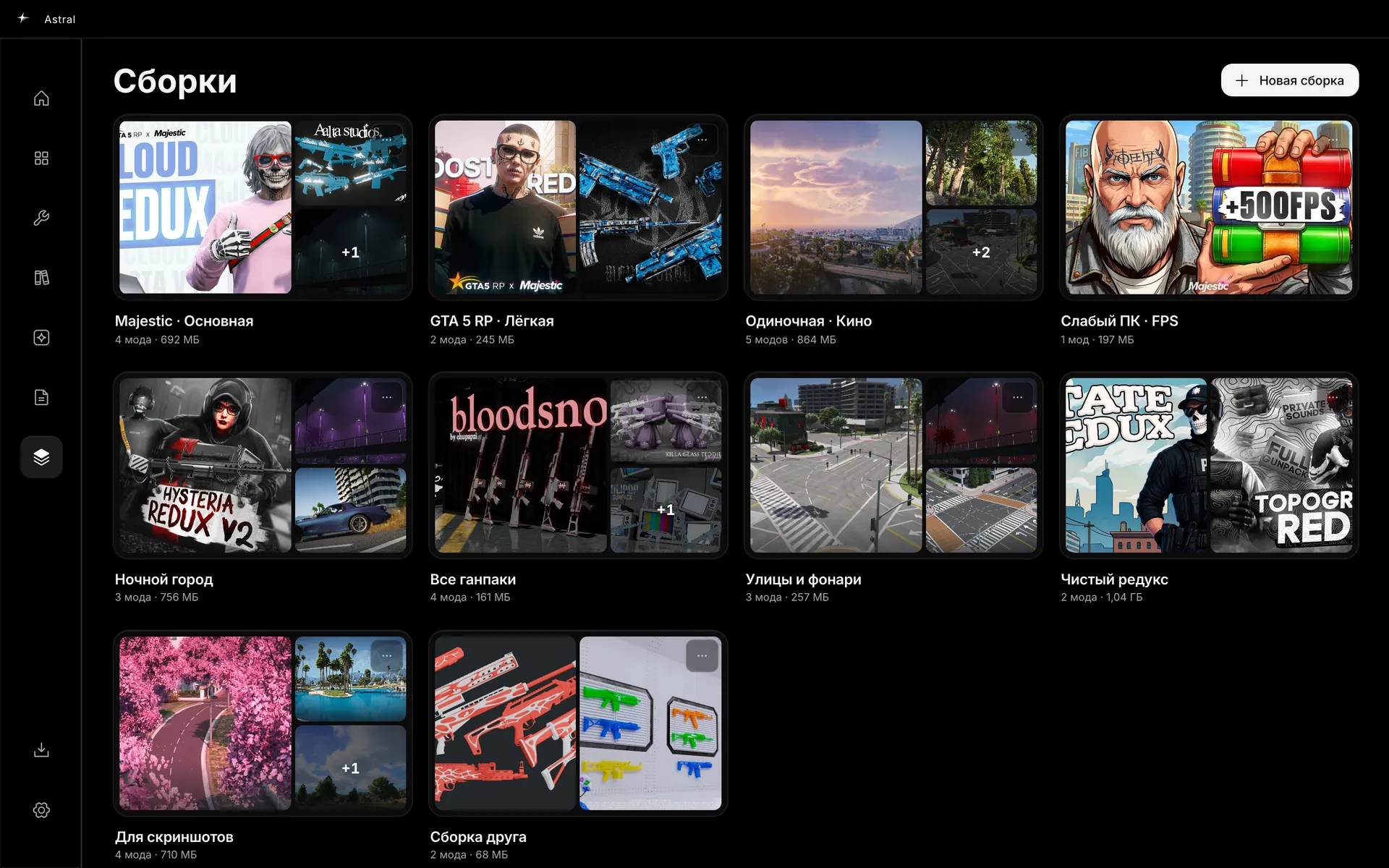
A build is a separate set of mods: Majestic, GTA 5 RP and single player never get in each other’s way.
Before every change Astral saves a restore point. Rollback takes one step and leaves neighboring mods alone.
If a download breaks off, nothing is written to the game — it picks up from the same spot.
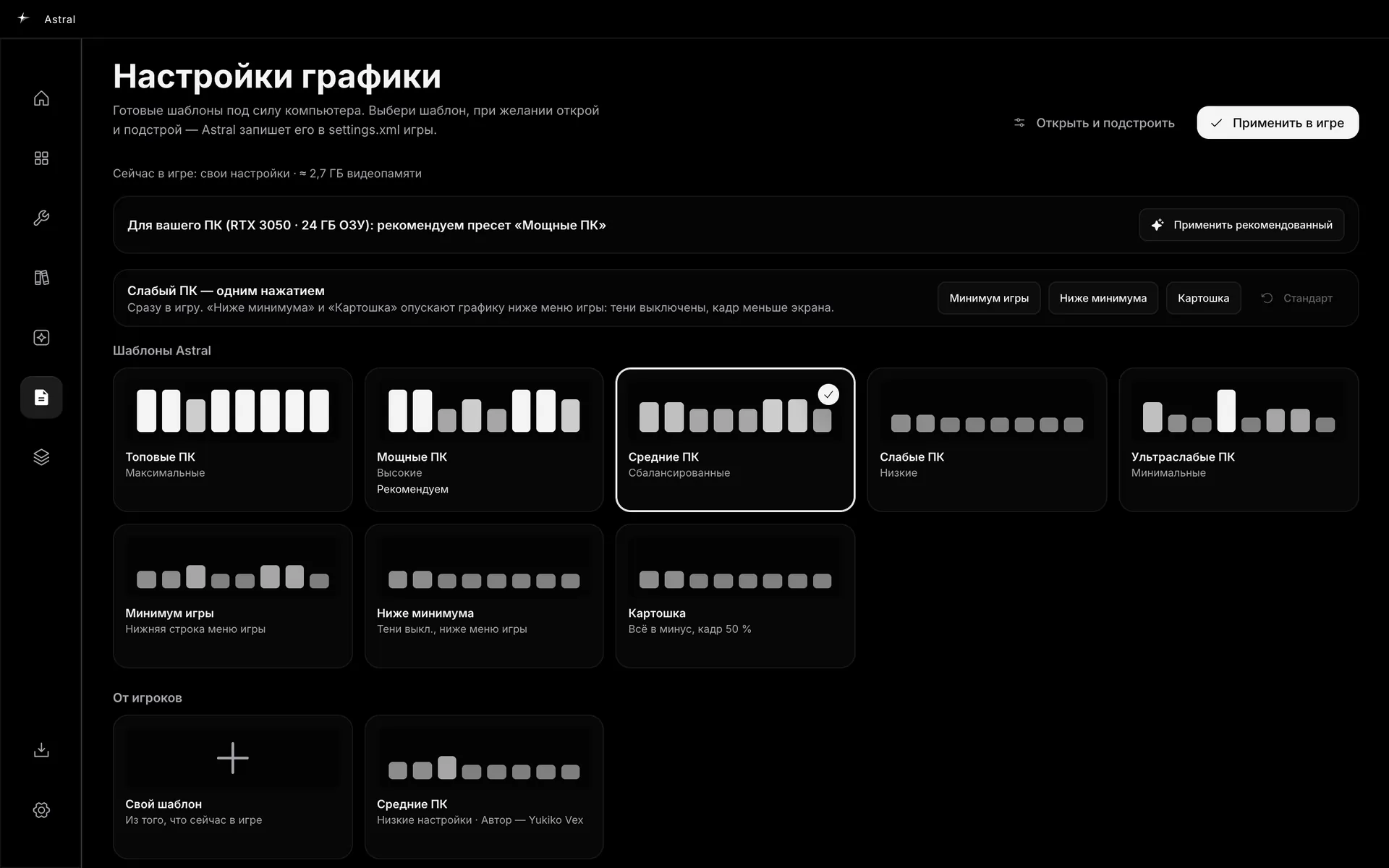
Ready-made templates, from top-end PCs to the weakest. A weak PC takes one press, and your own template comes from the game’s current settings.
NVIDIA’s neural network redraws every frame of GTA V: light, shadows, materials and skin look closer to a photo. Needs an NVIDIA RTX graphics card.
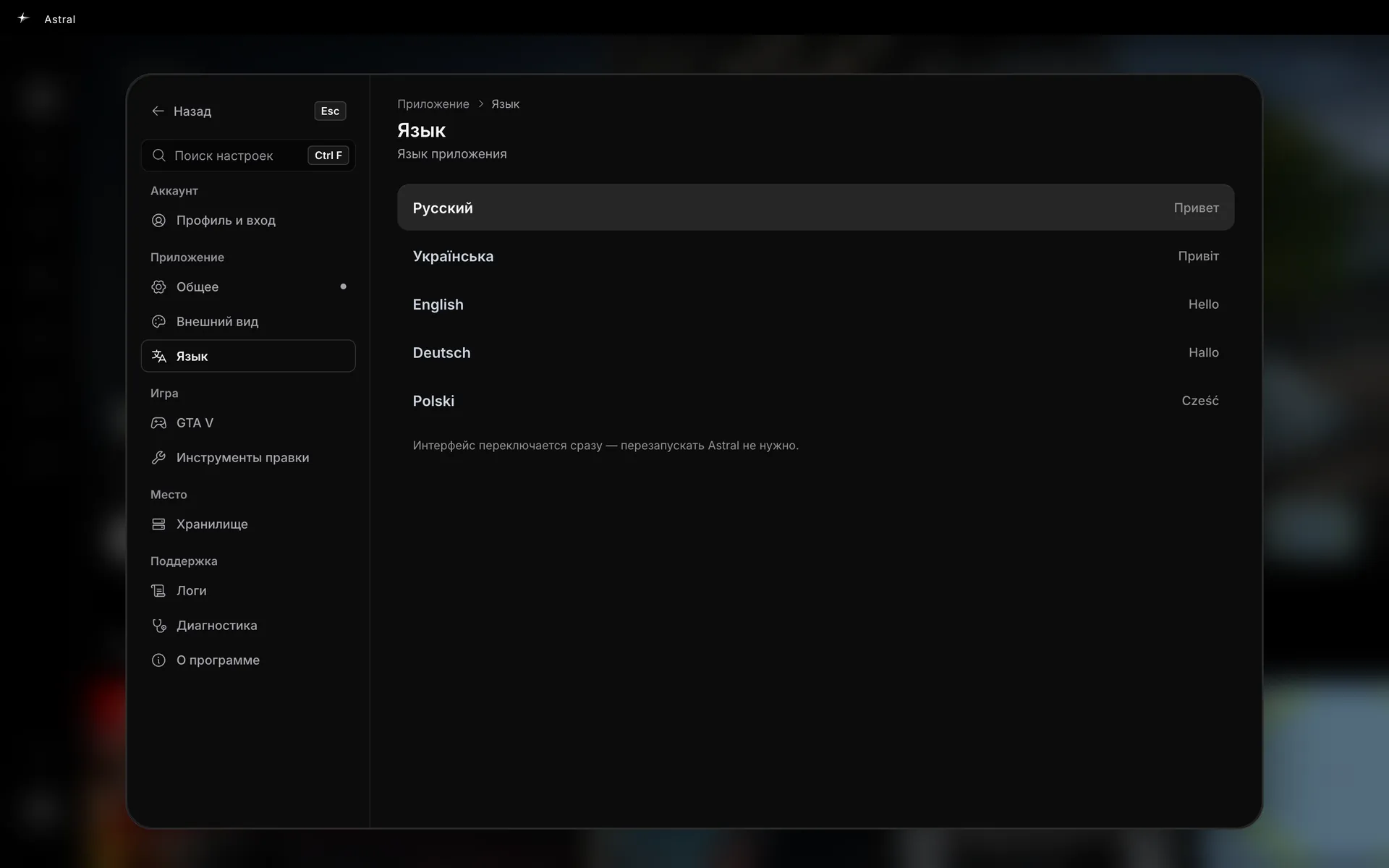
Russian, Ukrainian, English, German and Polish. The language switches instantly — no need to restart Astral.
How Astral installs a mod
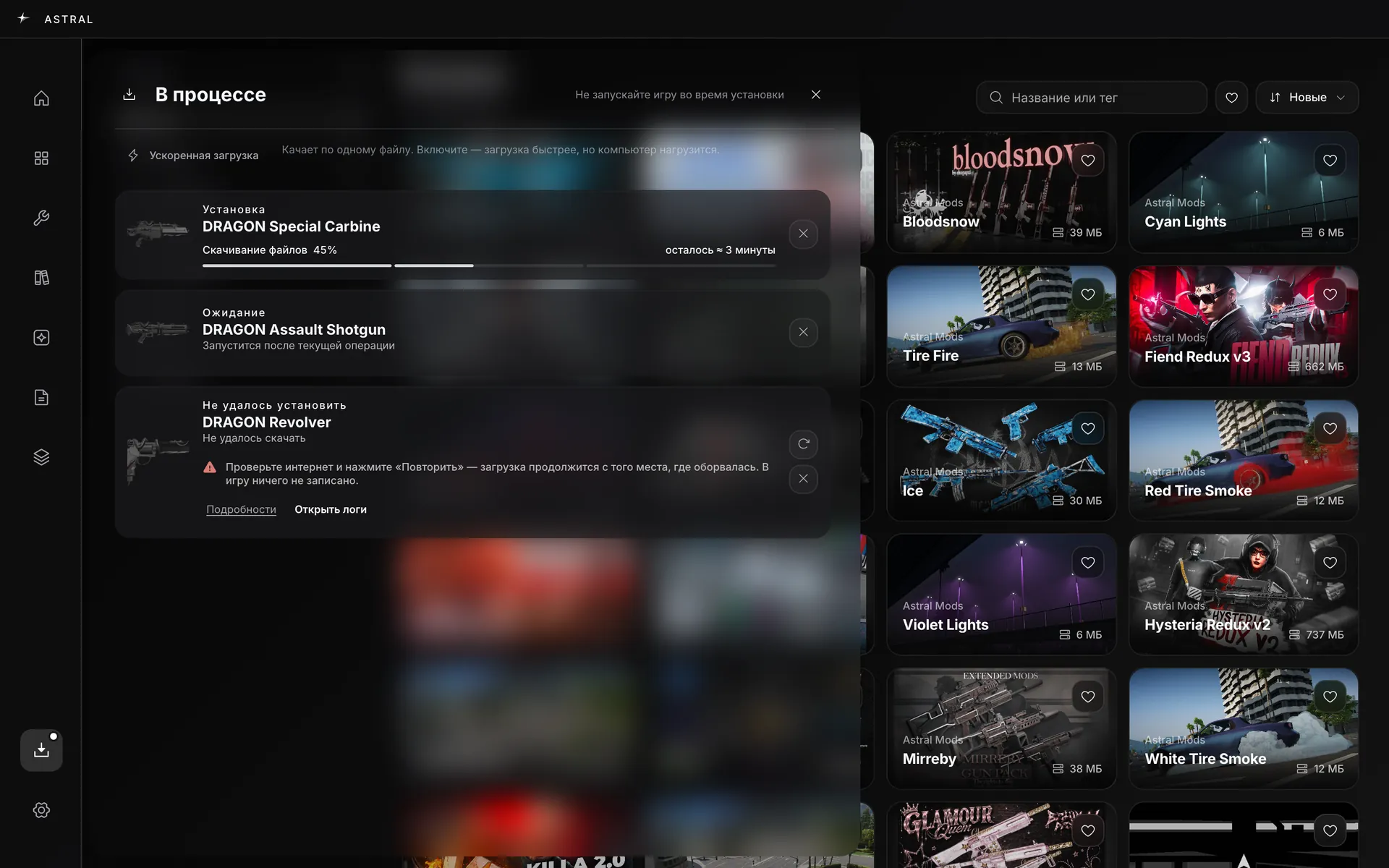
Diagram: resuming
PC power
Language, instantly
- Compatibility check
- Restore point
- One-step rollback
Everything you do by hand, the app does by itself.
It finds the game in Steam, Epic and Rockstar, unpacks archives, edits configs, remembers what was installed where, and can put everything back the way it was.
A build is a separate set of mods: Majestic, GTA 5 RP and single player never get in each other’s way.
Before every change Astral saves a restore point. Rollback takes one step and leaves neighboring mods alone.
How Astral installs a mod
If a download breaks off, nothing is written to the game — it picks up from the same spot.
Diagram: resuming
Ready-made templates, from top-end PCs to the weakest. A weak PC takes one press, and your own template comes from the game’s current settings.
PC power
NVIDIA’s neural network redraws every frame of GTA V: light, shadows, materials and skin look closer to a photo. Needs an NVIDIA RTX graphics card.
Russian, Ukrainian, English, German and Polish. The language switches instantly — no need to restart Astral.
Language, instantly
- Compatibility check
- Restore point
- One-step rollback
Every server gets its own build: mods for one project never get in the way of another. Launch Astral wherever you play.
- A separate build per server. Its own files and its own set of mods.
- Its own restore point. Rolling back one project never touches another.
- No overlap. A mod for one server never ends up in another.
 GTA 5 RPproject build
 Majesticproject build

 Russia Onlineproject build
GTA V on Windows 10 and 11 (64-bit). You need a licensed copy of the game from Steam, Epic Games or the Rockstar Games Launcher.
Yes. Before every change Astral makes a restore point, and any mod rolls back with one press.
Every project has its own build: Majestic RP, GTA 5 RP, single player. Mods of one build never touch another.
Majestic RPGTA 5 RPSingle playerEvery project has its own rules and decides which file changes are allowed. Astral bypasses nothing — check your server’s rules.
From the authors’ own posts. A mod enters the catalog with permission, and its author and source are shown on the mod page. If no author is shown, we do not know the name.
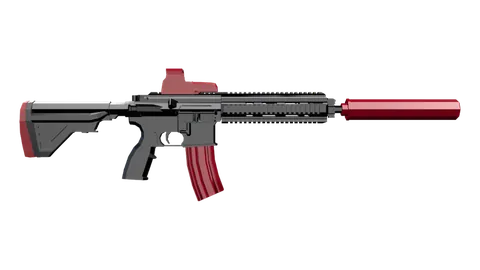
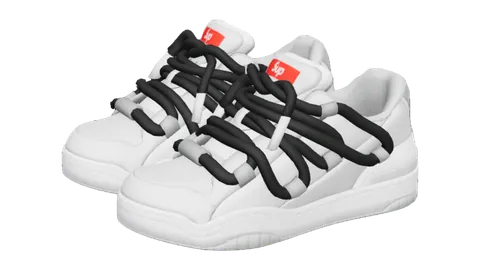
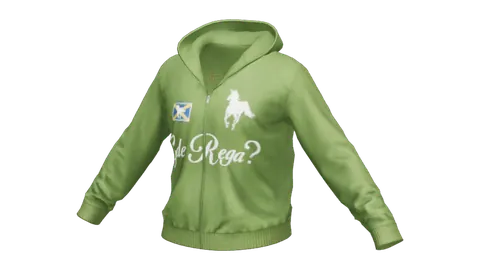
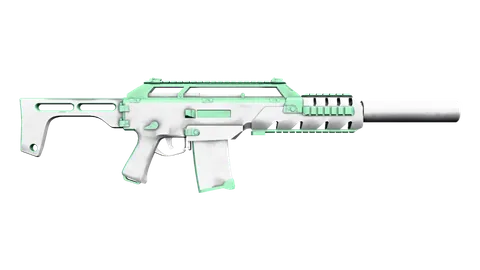
A mod’s cover is a shot of the model itself, not a drawing.
Write to support on Discord: attach a screenshot and describe what you pressed.
Download Astral
Mods, weapons, maps and sounds in one app: install in one click, roll back with one press.